
Powerful platform
4.9 By Trustpilot
All-in-One Form Builder & Response Manager




Basic Forms
Appointment
Payments
Multi-Step
Templates
Form Builder
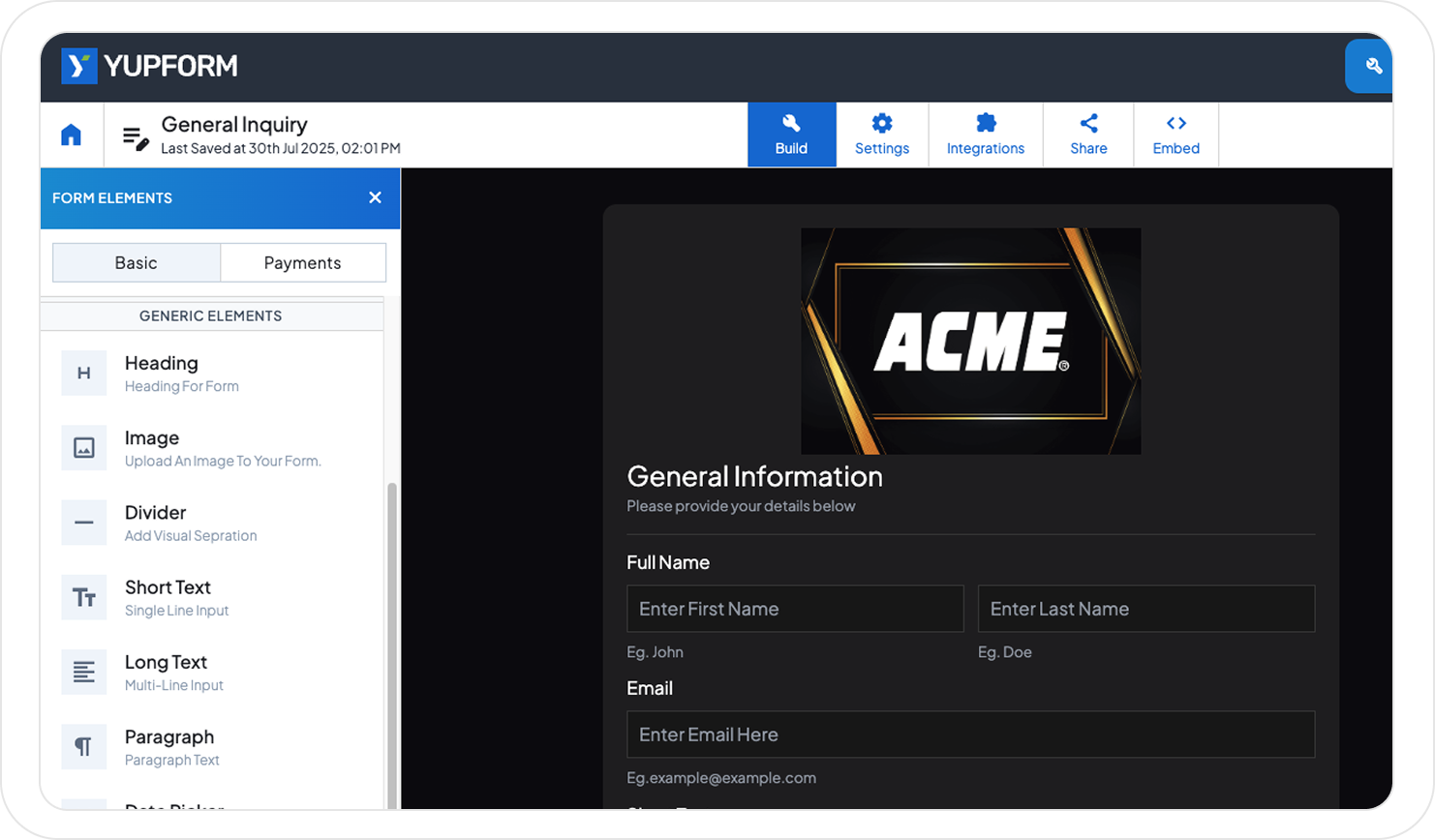
Build your pixel-perfect Forms online

Launch High-Converting Drag & Drop Forms in Seconds

Customise Input Properties to Fit Your Needs

Embed Forms Anywhere with a Simple Link
Features
Secure, easy to use with all essential features!

No Coding Required
With Yupform, just drag, drop, and publish - no coding skills required.

Capture Partials Data
Partial submissions save data even if users leave without submitting.

Free Form Templates
Yupform offers a library of ready-to-use templates for all your form needs.

Custom Redirect
Redirect users to any page after a successful form submission.

Link Multiple Emails
Send form responses to multiple email addresses instantly.

Easy To Embed
Easily embed forms anywhere using a simple copy-paste link.
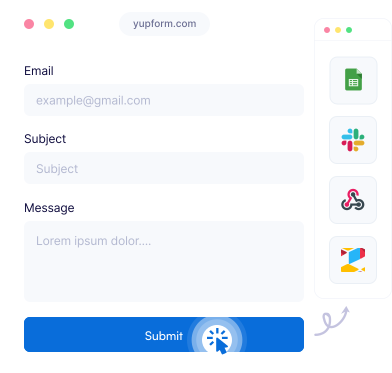
 Works with almost anything
Connect apps and get notified immediately.
Take your online forms to the next level with our ever-growing & constantly improving collection of form integrations.
Quick Start
Step-by-Step Guide to Creating Forms with Yupform

Step One
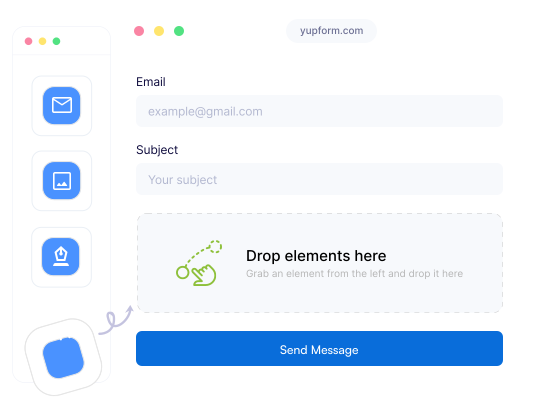
Build Your Form
Easily create your form by dragging and dropping elements into the Yupform builder.


Step Two
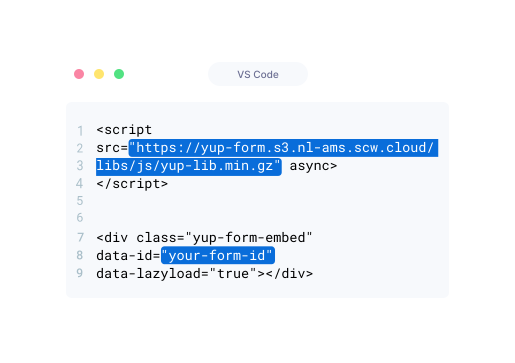
Embed Your Form
Copy and paste the provided snippet into your code to seamlessly add the form to your webpage.


Step Three
Preview Your Form
Instantly preview your form to check its look and flow before publishing.


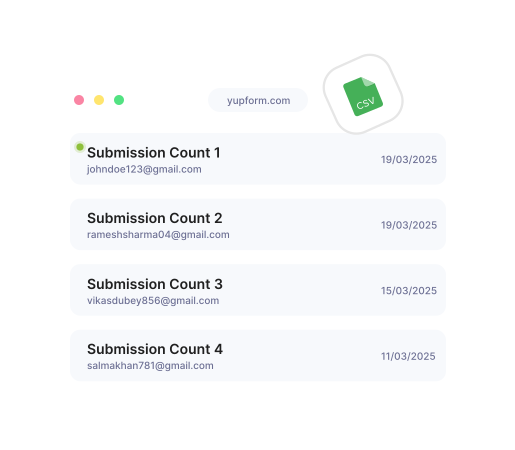

Step Last
Track Submissions
Easily monitor and manage all collected responses in one place, with the option to export them as CSV.

Integrations
All Essential Integrations You Need For A Form
Connect your forms with different integrations and apps, get notified instantly!


Click the button below to see all the essential integrations that you will need for your form
Ready to build your perfect form?
It’s Free - Try Now